Web Development
Why Automation Matters for Your Web Project
The right automation saves hours every week. Here is what that looks like in practice.
- Written by
- Navas
- Published
What Does Automation Actually Mean?
When most people hear "automation" in the context of a website, they picture something complicated. Robots, algorithms, things that feel far removed from running a business. But in practice, automation is simply about making your website do things for you, without you having to lift a finger every time.
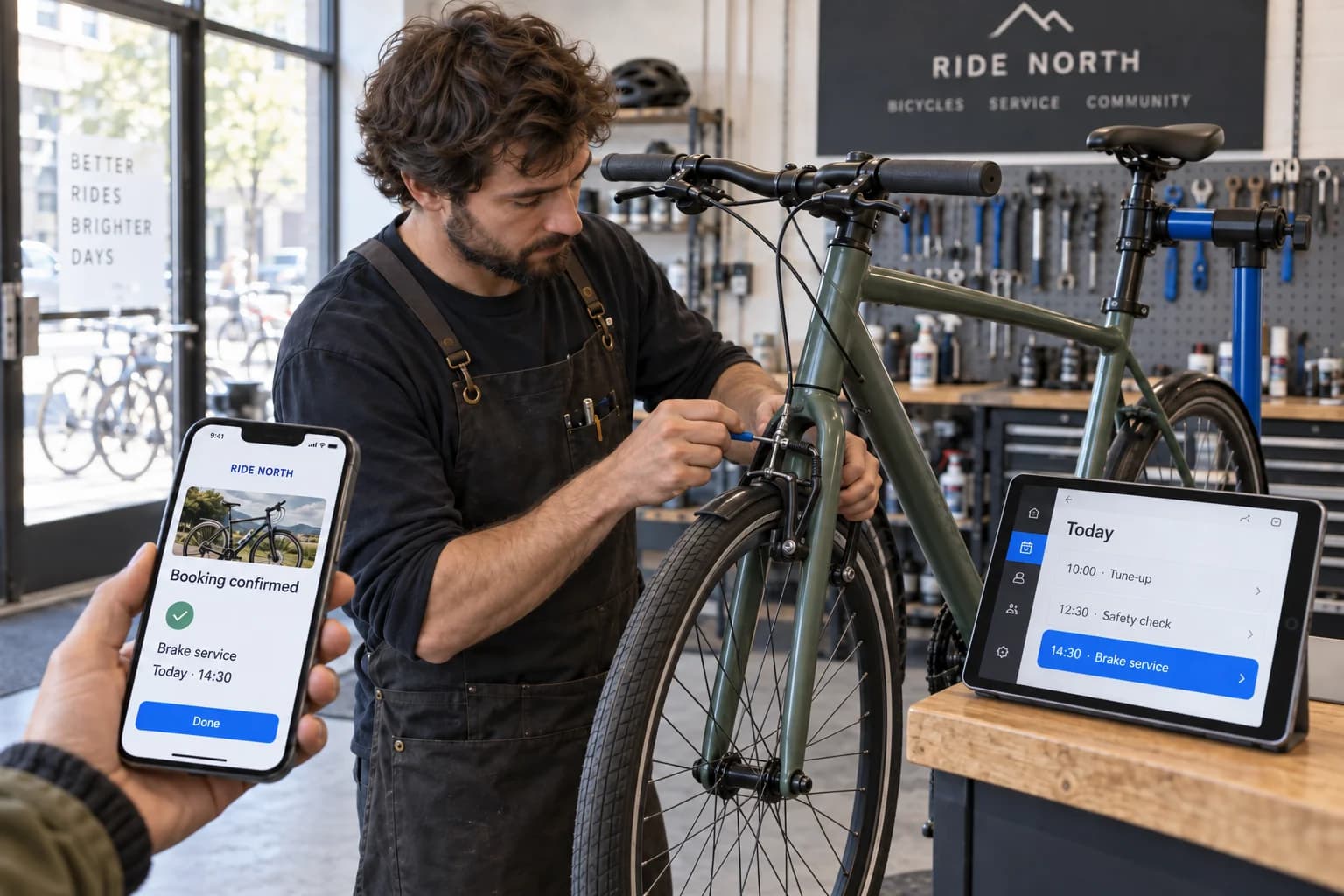
Think of it this way. Every time a customer fills in a contact form on your site, someone has to read that email, maybe copy details into a spreadsheet, and send a reply. Automation means that form submission can trigger an instant confirmation email to the customer, log the enquiry in your system, and notify your team on their phones. All within seconds, all without anyone doing it manually.
Real Examples That Save Hours Every Week
Automation is not just a nice extra. For the businesses I work with, it genuinely changes how much time they spend on repetitive tasks.
When I built the website for N2N Autos, a car dealership, we set up automated notifications so the team knew instantly when a new enquiry came through. No more checking inboxes every half hour. No more missed leads sitting unread over the weekend. The system handled it.
For Athletic AbhyAn, a fitness brand, content updates needed to go live quickly without waiting for a developer. We built a content management setup where the team could update class schedules and announcements themselves, and the site would refresh automatically. No code changes, no deployment delays.
Other common automations I set up for clients include automatic backup schedules so your data is always safe, scheduled email reminders for appointments or follow-ups, form submissions that feed directly into project management tools, and invoice generation triggered by specific actions on the site.
Why It Matters for Your Business
The real value of automation is not the technology. It is the time you get back and the mistakes you avoid. Manual processes are prone to human error. Someone forgets to reply to an enquiry. A spreadsheet entry gets mistyped. An important backup does not happen because it was a busy week.
Automation removes those risks. It runs consistently, every time, without getting tired or distracted. For small businesses especially, where every team member is already wearing multiple hats, this can be transformative.
It also creates a better experience for your customers. Instant confirmations, timely follow-ups, and consistent communication all build trust. And trust is what turns a website visitor into a paying customer.
What to Ask Your Developer
If you are working with a developer on a new project, or thinking about improving an existing site, here are some questions worth asking.
What happens when someone submits a form on my site? Can I get notified automatically when certain things happen? Is there a way to update content without needing a developer every time? Are my backups running automatically, and how often? Can we connect the website to other tools I already use, like my email platform or booking system?
A good developer will not just build you a website. They will think about the workflows around it and find ways to make your day-to-day easier.
It Does Not Have to Be Complicated
One of the biggest misconceptions about automation is that it requires a massive budget or a complete rebuild of your site. That is rarely the case. Often, a few well-placed automations can be added to an existing website without major changes.
Start with the tasks that eat up the most time or cause the most frustration. That is usually where automation delivers the biggest return. Even something as simple as an automatic email response to form submissions can make a noticeable difference.
The goal is not to automate everything. It is to automate the right things, so you can focus on the work that actually needs a human touch.